Sometimes it’s the small things that make a difference. In this case a friend of mine referred me to a very clever little utility called Caffeine. From the product’s webpage:
Caffeine is a tiny program that puts an icon in the right side of your menu bar. Click it to prevent your Mac from automatically going to sleep, dimming the screen or starting screen savers. Click it again to go back. Hold down the Command key while clicking to show the menu.
Run and get some.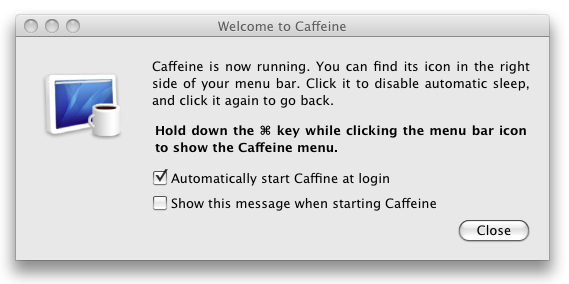

 Technology & Patterns
Leave a comment